


Browser extensions · free
Arabic Keyboard
Type Arabic on any website, without switching keyboards
Need to type in Arabic but your computer has no Arabic keyboard? Arabic Keyboard opens an Arabic keyboard right under the box you are typing in (YouTube search, an email, a chat…) with one click or a keyboard shortcut, and what you press goes straight into that box. Nothing else to install, no need to change your system language.
 Get it for Chrome
  Get it for Edge
  Get it for Firefox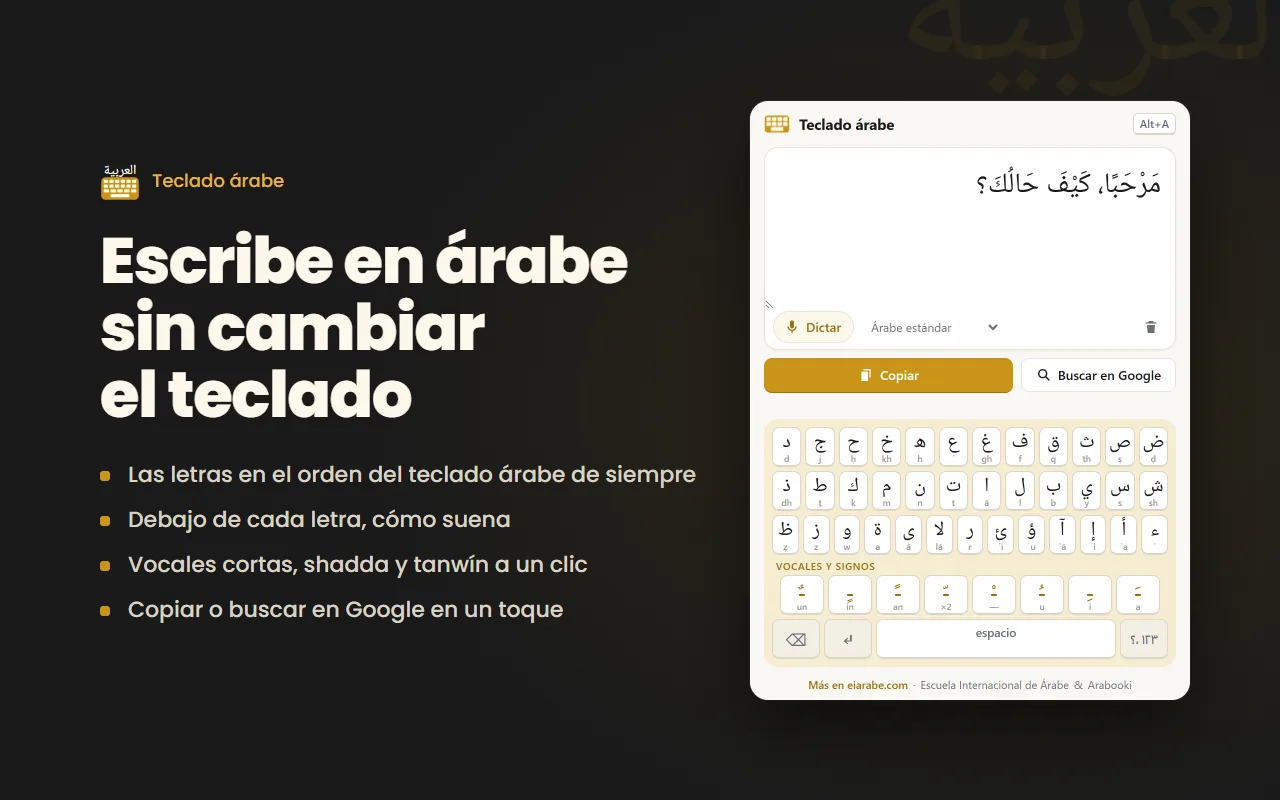
What it does
- While it is open, your own keyboard types Arabic (Q gives ض), like a real Arabic keyboard.
- The letters in the standard Arabic keyboard layout, with the sound of each one shown underneath. Made for learners.
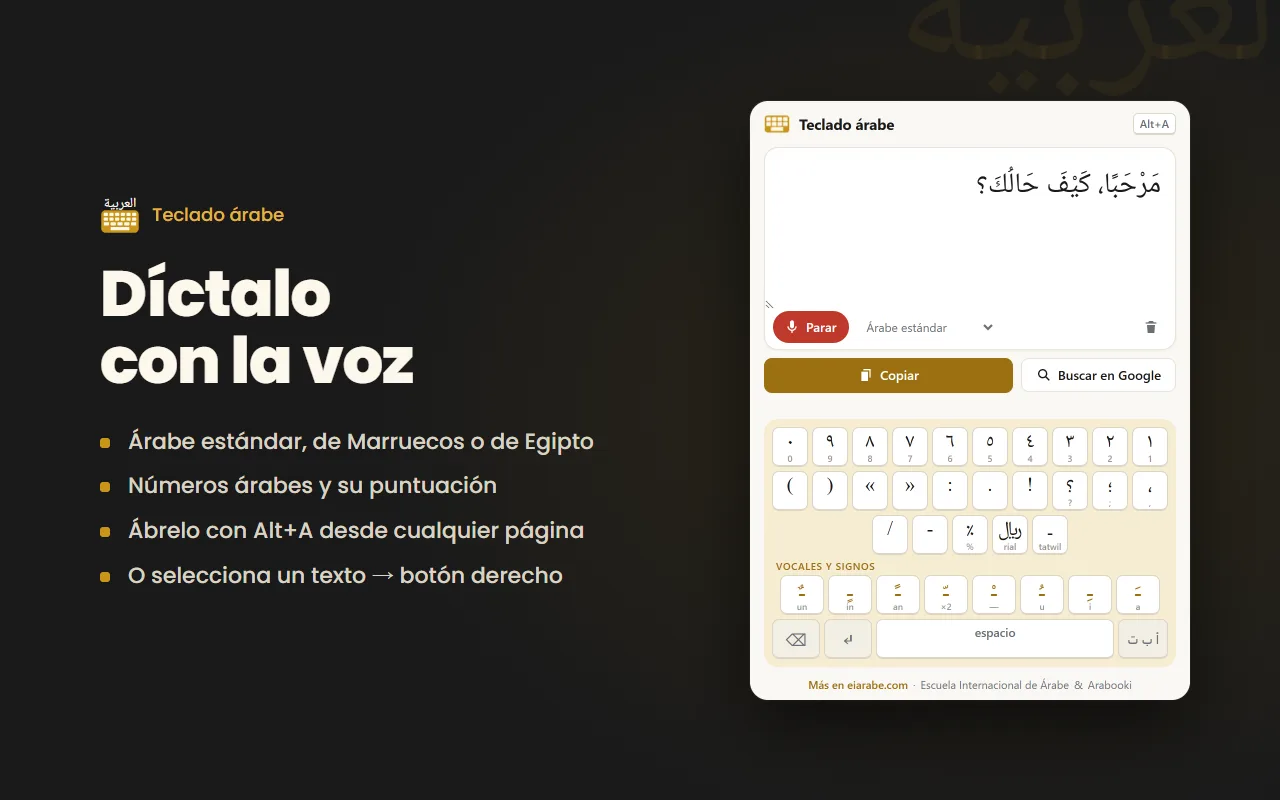
- Short vowels, shadda, sukun and tanwin in one click. Eastern Arabic numerals (١٢٣) and Arabic punctuation: ، ؛ ؟
- Voice dictation in Standard, Moroccan or Egyptian Arabic (in Chrome and Edge).
- Select text on any website, right-click, and send it to the keyboard. No account, no ads, and no data sent to us.
FAQ
Is it free?
Yes, completely. No account, no ads and no paid version.
Which browsers?
Chrome, Edge and Firefox: it has been submitted to all three stores, and each button will go live as soon as that store approves it. Voice dictation is not available in Firefox.
What if I don't want to install anything?
The Escuela Internacional de Árabe has an online Arabic keyboard that works in the browser, no install needed (page in Spanish).
Made by Arabooki and the Escuela Internacional de Árabe.